Protected Xchange

Visual redesign for a secure file-sharing platform
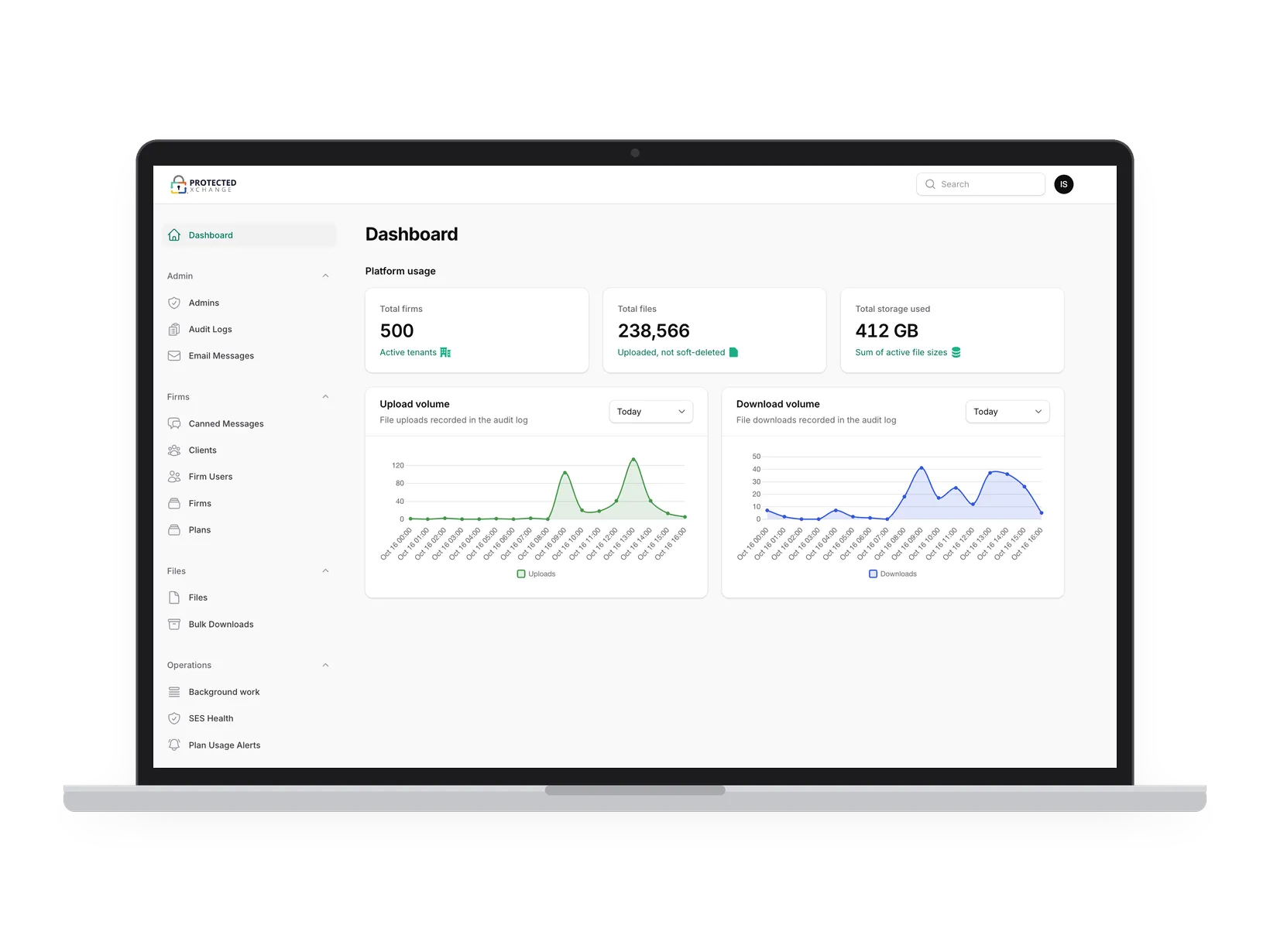
The redesigned admin dashboard in light mode on a laptop: one sidebar on the left, three stat cards for firms, files and storage, and upload and download charts

One system

The platform had grown in pieces, and its screens didn’t agree with each other. I rebuilt them as one system: the dashboard, storage and plans, sending and receiving files, and the way clients get in.
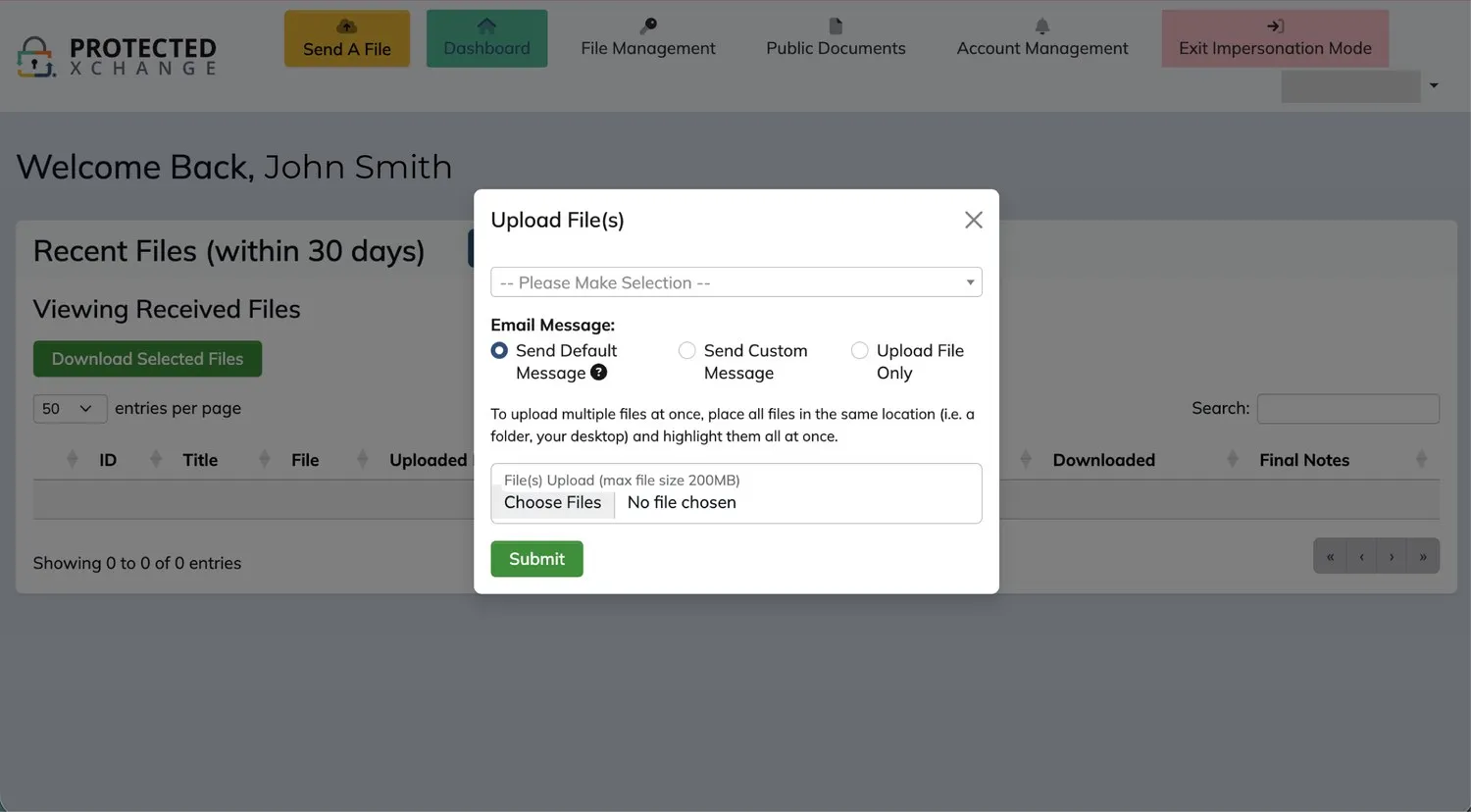
The old Protected Xchange dashboard: a colored top navigation bar with an upload modal open
Before · Dashboard
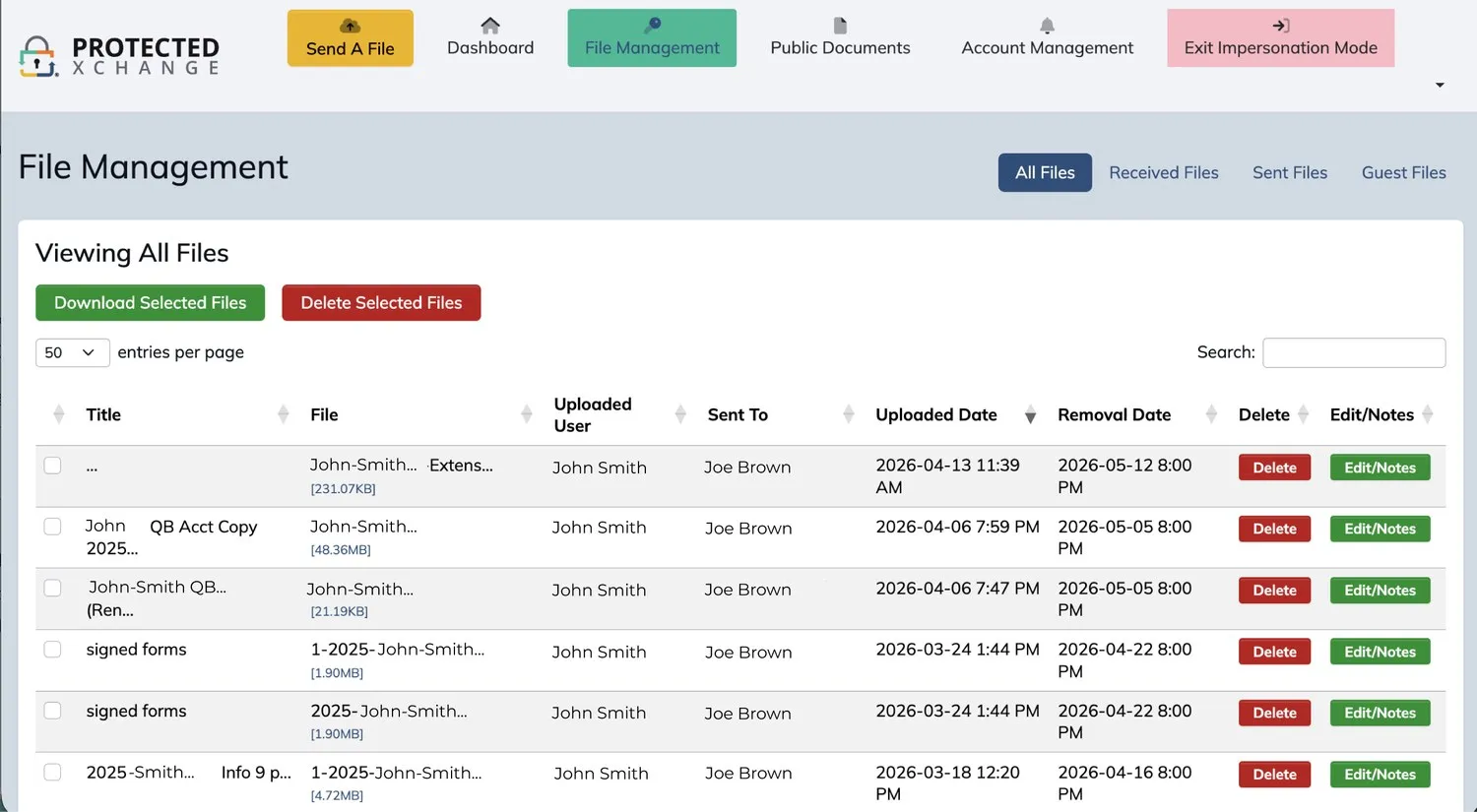
The old file management page: a top navigation bar, a second row of file tabs, and red and green action buttons on every row
Before · File management
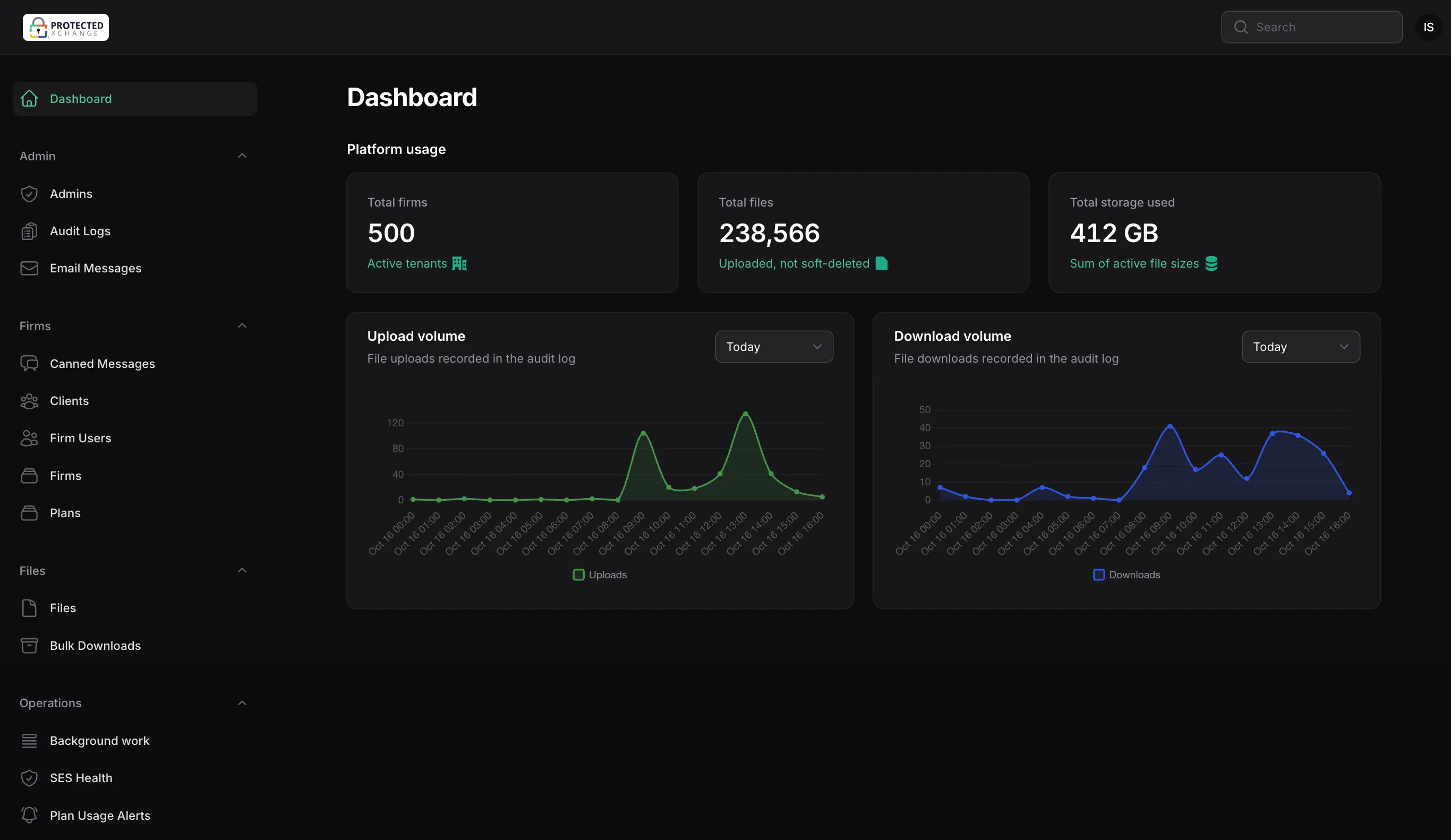
The same dashboard in dark mode: the sidebar, stat cards and charts on near-black, with the same green accents
After · Dashboard, dark mode
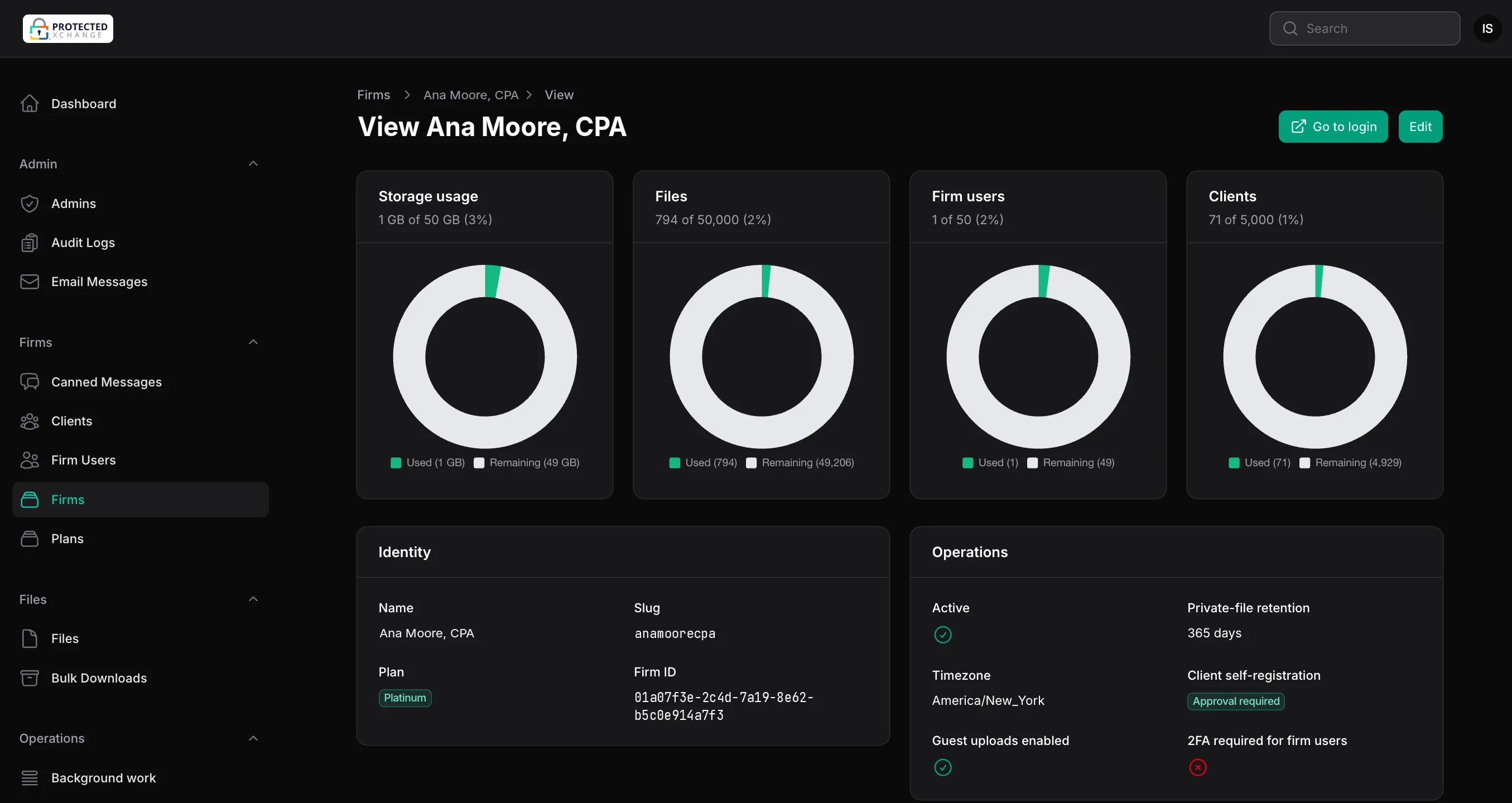
A firm's page in dark mode: four rings for storage, files, firm users and clients against the plan's limits, then identity and operations settings
After · Firm view

Restraint

The design problem was restraint. In a security-sensitive product, every element that isn’t necessary reads as risk. I built the palette and type foundations to be quiet enough that the interface feels trustworthy without saying so.
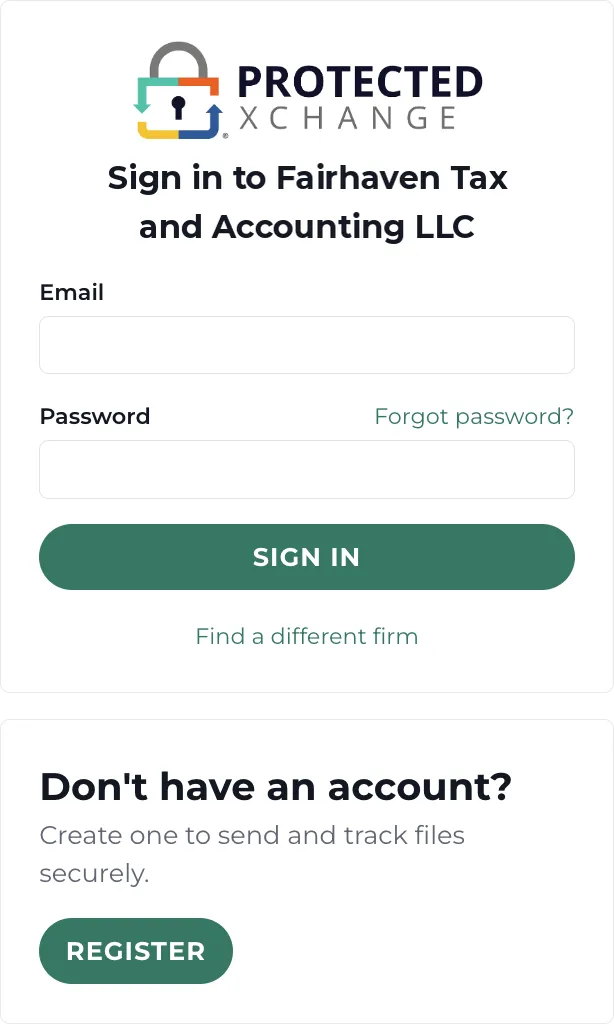
The firm sign-in page: the Protected Xchange logo, email and password fields, a green Sign in button, and a separate card to register
Firm sign-in
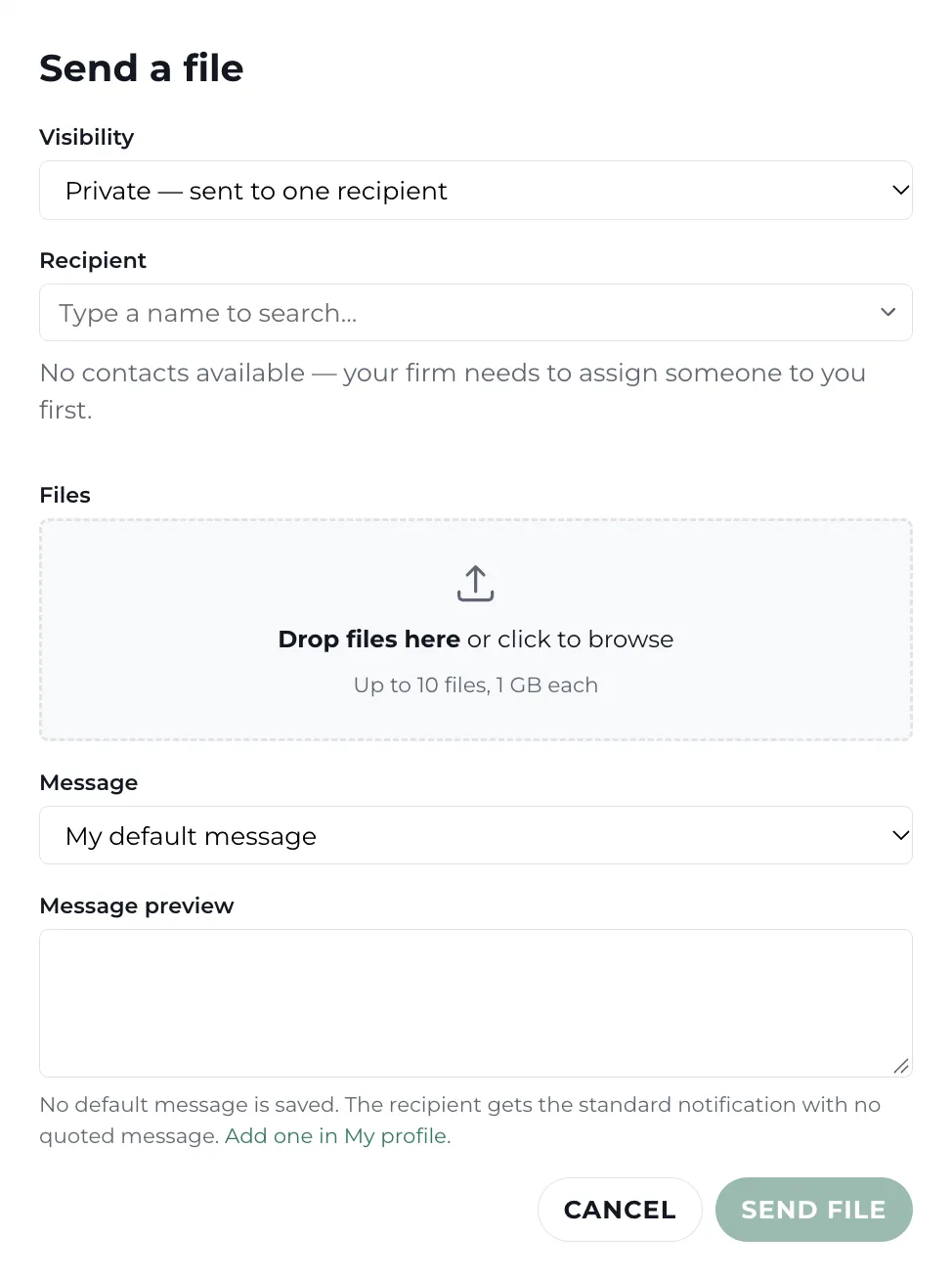
The Send a file window: visibility, recipient, a drop zone for up to 10 files, a message and its preview
Send a file
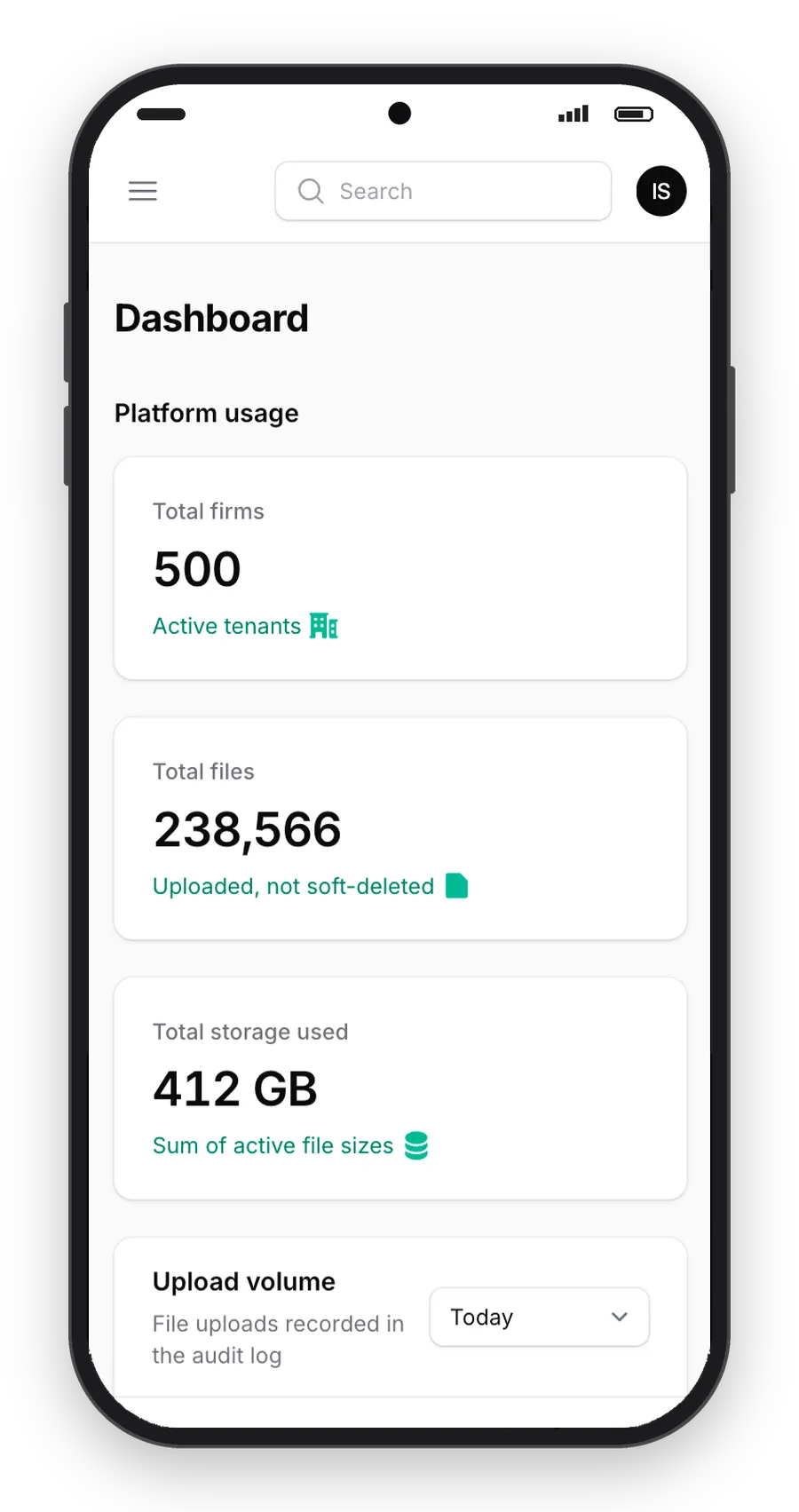
The dashboard on a phone in light mode: the sidebar folds into a menu and the stat cards stack
Phone · Light
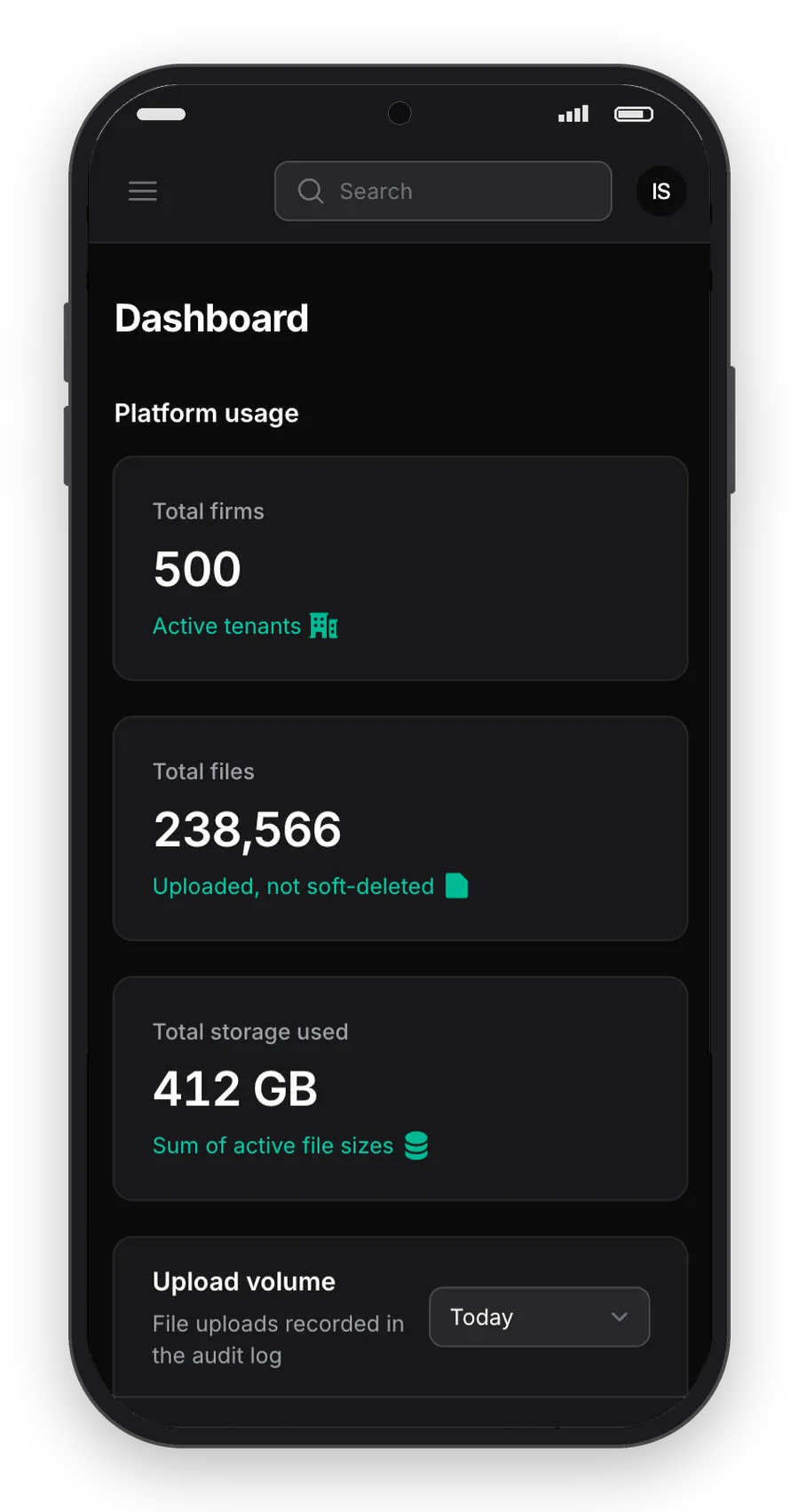
The same phone dashboard in dark mode
Phone · Dark
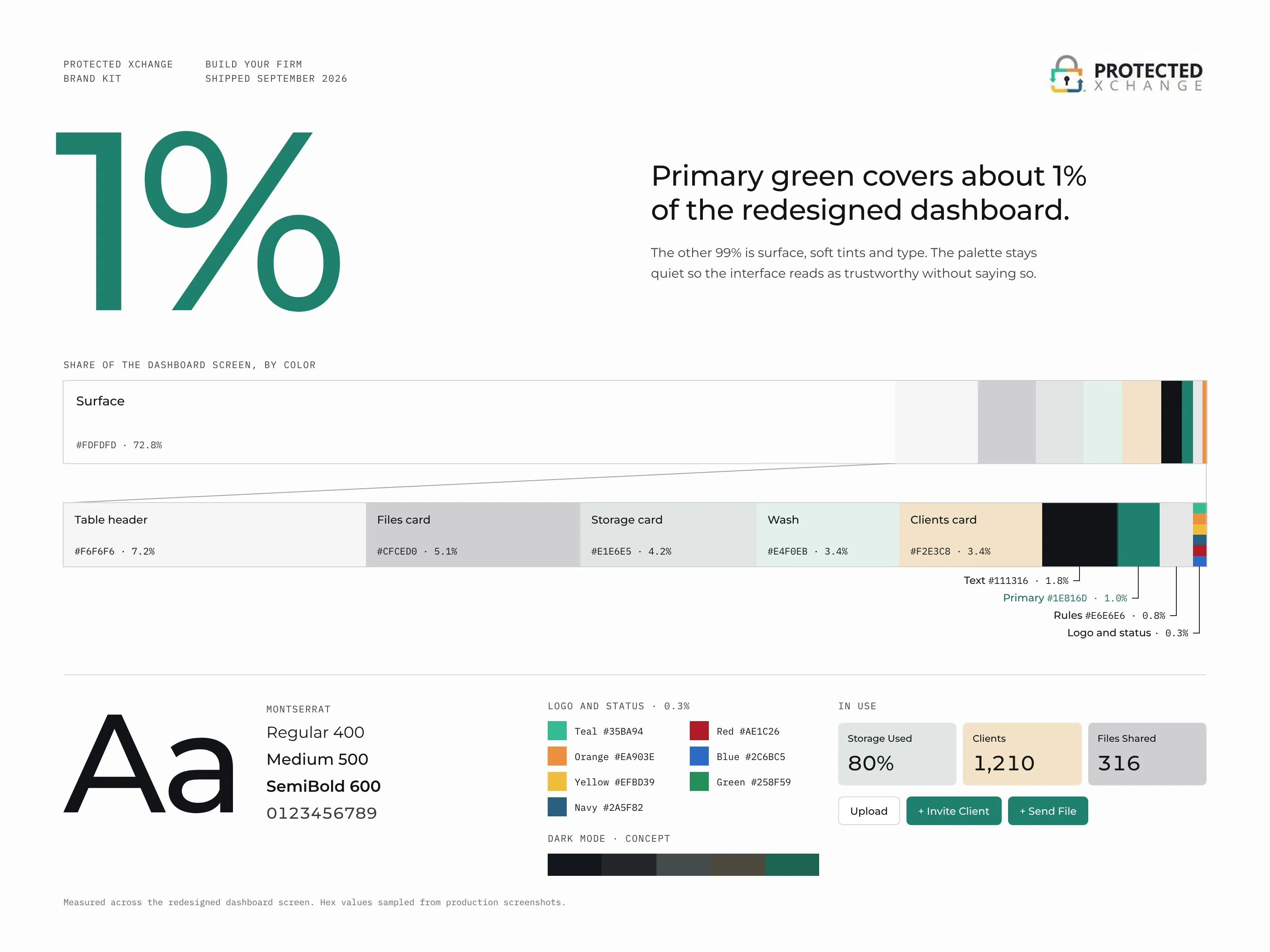
Poster: a large green 1% beside the line Primary green covers about 1% of the redesigned dashboard. A bar below shows each color at its share of the screen, with surface at 72.8% and the tints, text, green and logo colors zoomed in a second bar. Along the bottom: Montserrat in three weights, logo and status colors, dark mode colors, stat cards and buttons.
Palette · Share of the dashboard by color
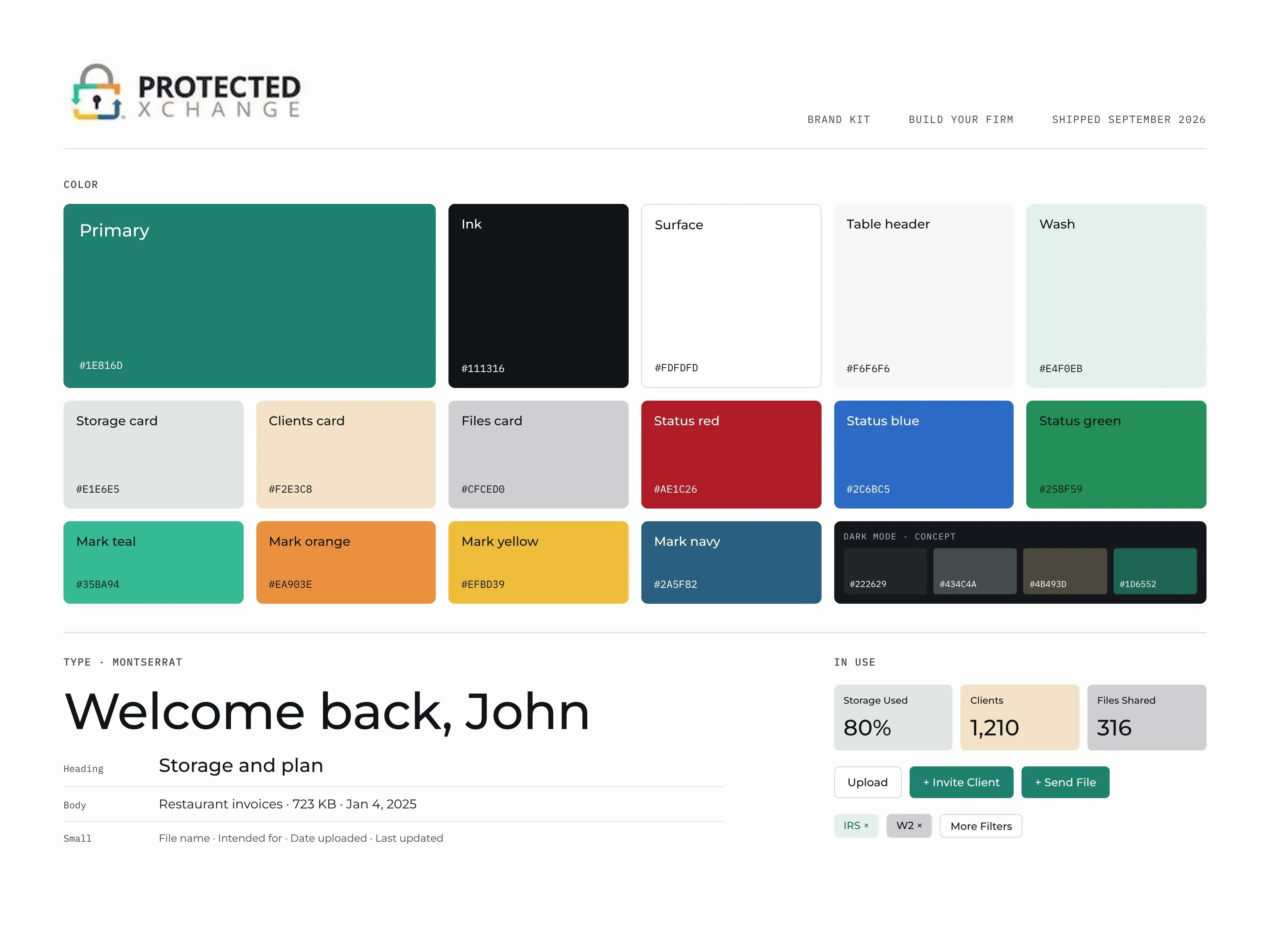
Brand kit sheet: color swatches with hex values for primary green, ink, surfaces, the three stat card tints, status colors, the four logo colors and dark mode; a Montserrat type specimen; stat cards, buttons and filter chips
Brand kit