Build Your Firm Email Systems

Designing the emails a client relationship runs on
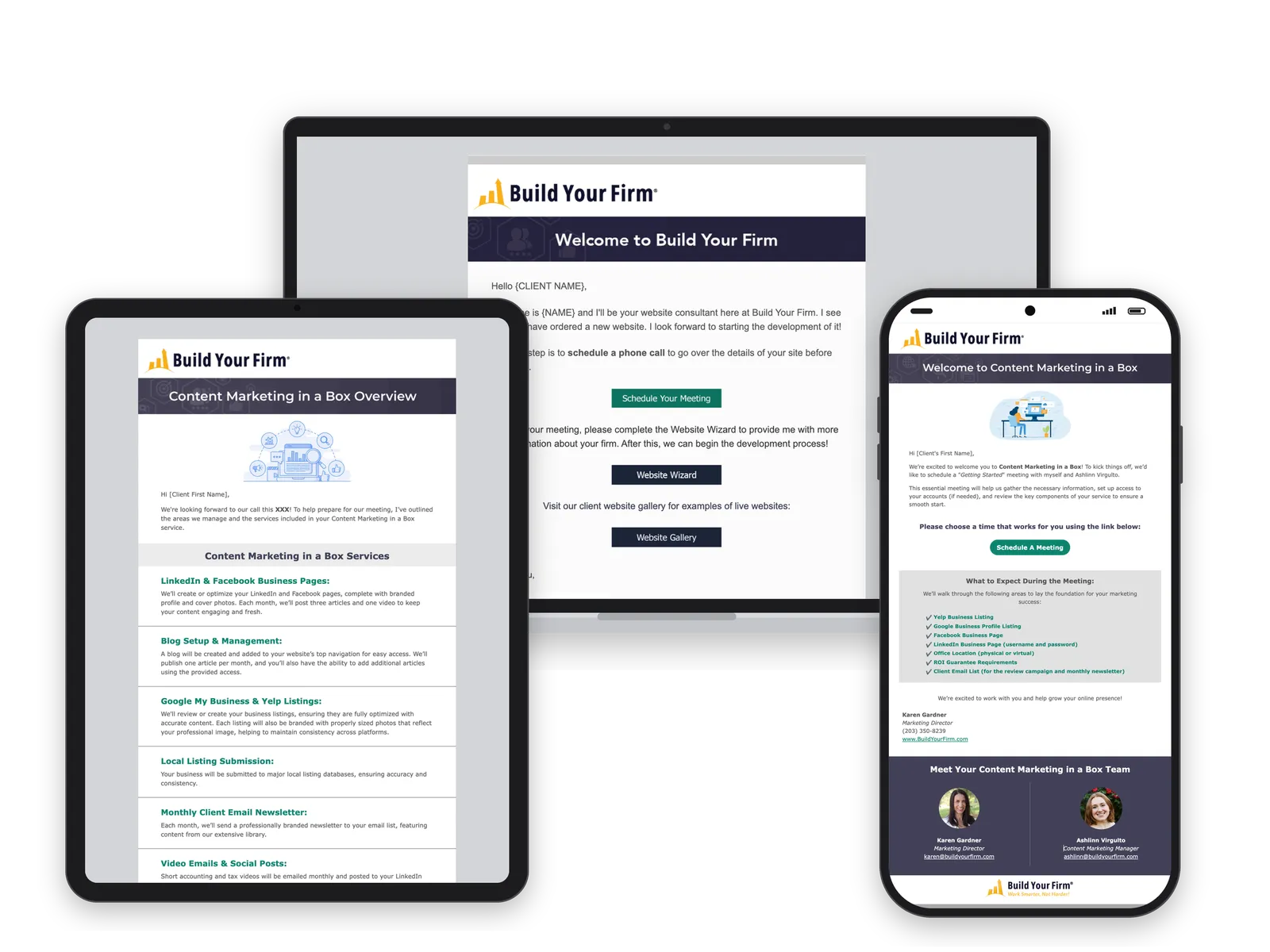
Three Build Your Firm client emails on a laptop, a tablet and a phone: a welcome email with buttons, a service overview in ruled rows, and an onboarding email with a checklist panel

Plain text

Clients got their most important instructions as plain email: book a call, fill out the Wizard, confirm the contact form works. Nothing showed what mattered most or what to do next.
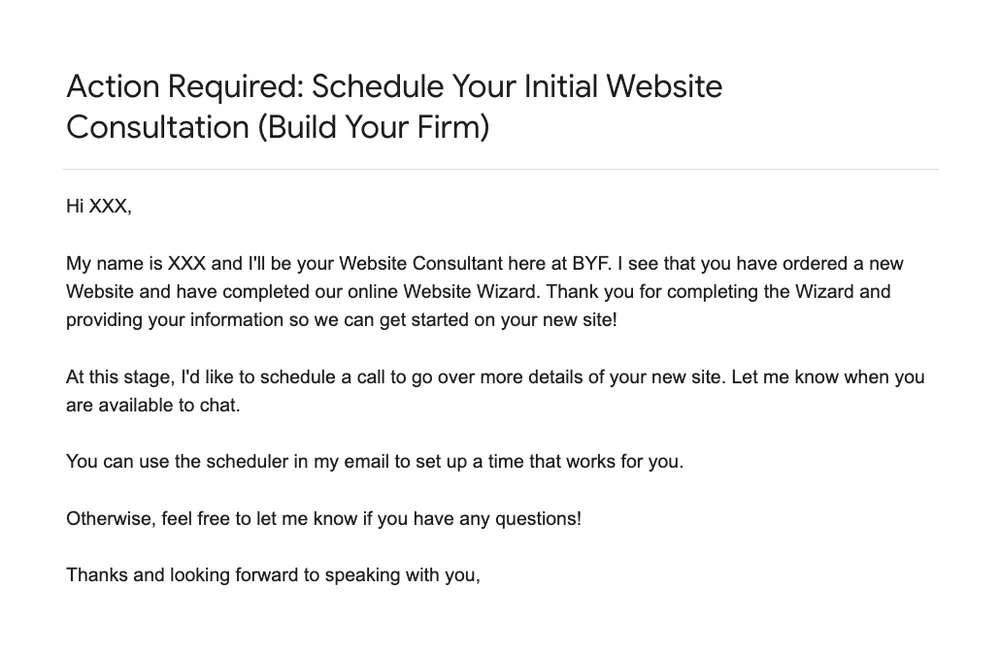
The old welcome email in plain text: a subject line and five short paragraphs asking the client to schedule a call
Before · Welcome email
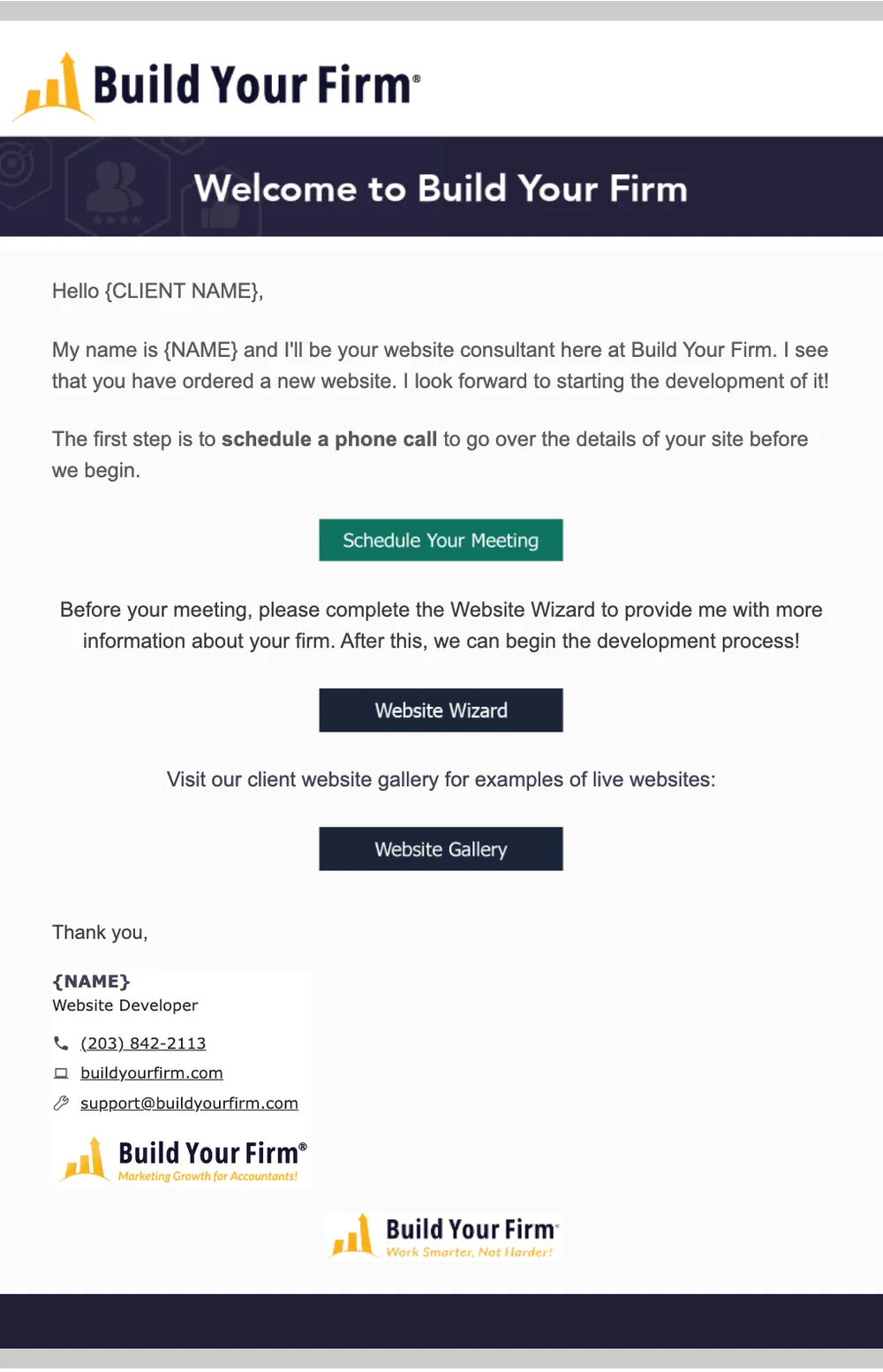
The redesigned welcome email: Build Your Firm banner, a short note, and three buttons for scheduling, the Website Wizard and the website gallery
After · Welcome email

One kit

I built every email from the same parts: a title banner, a spot illustration, a checklist panel, ruled rows for steps, a call-to-action band and a footer. A new email is a new order of the same parts, not a new design.
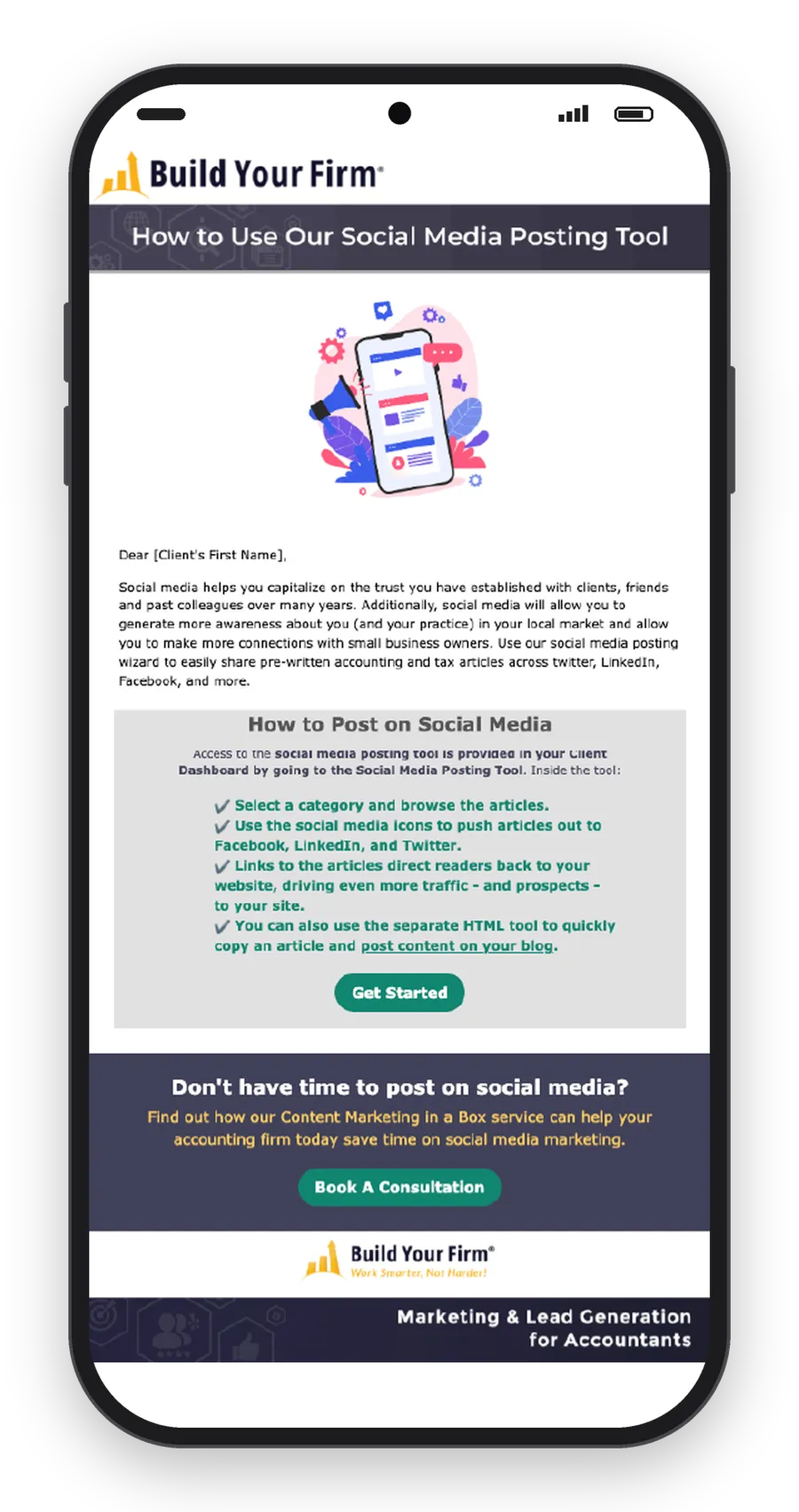

Social media posting tool email on a phone: banner, illustration, a gray how-to panel with a checklist, and a navy call-to-action band
Onboarding · Social posting tool
Online reviews email on a laptop: a map illustration, three reasons it matters, and a navy call-to-action band
Onboarding · Online reviews

The path

The emails follow a client from signing to launch. One step had no email at all: clients were never told how to give us access to their domain. I designed and built that one, with a short FAQ.
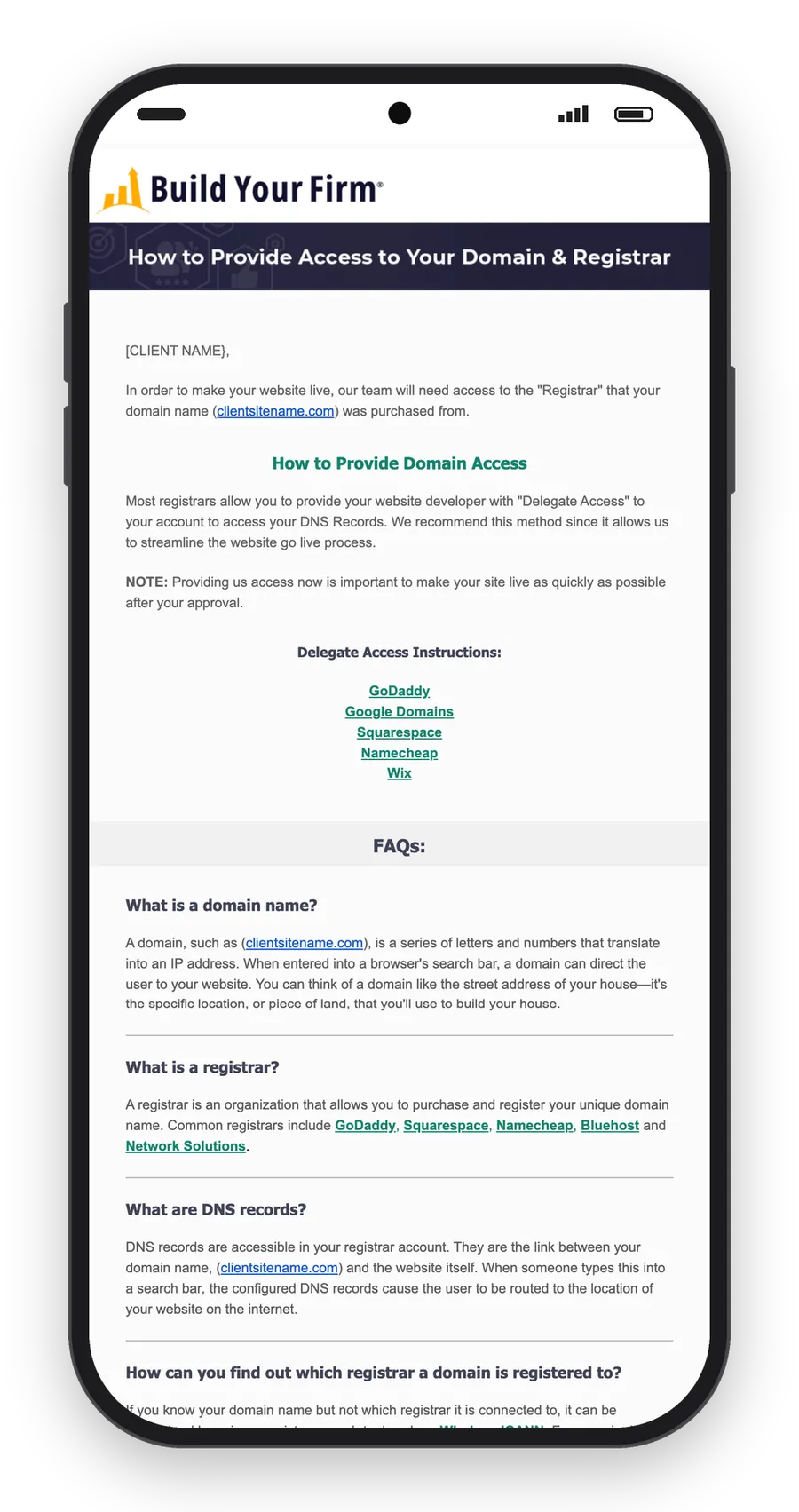
Domain access email on a phone: instructions, links for each registrar, and an FAQ in ruled rows
New · Domain access
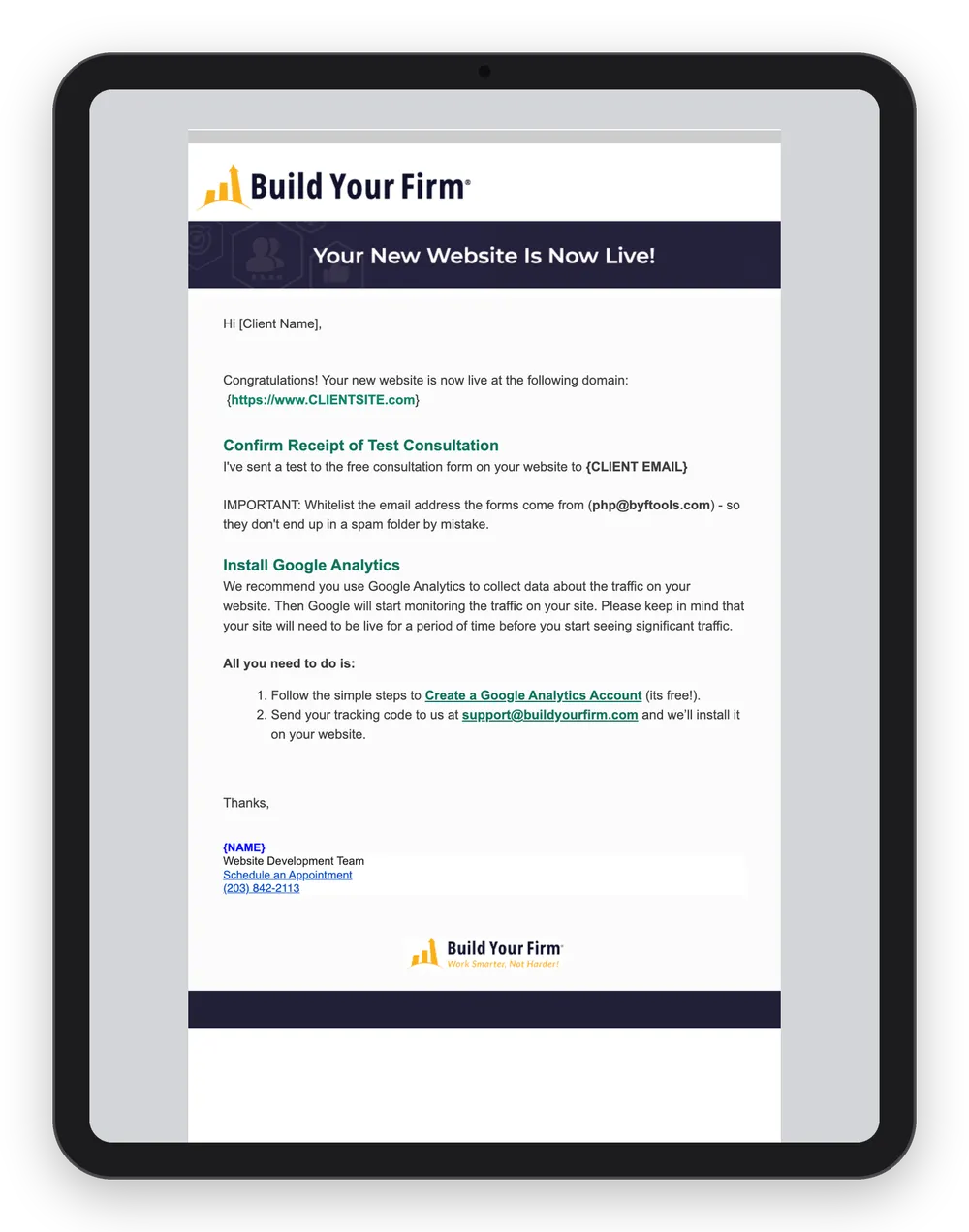
Site is live email on a tablet: the new domain, a test of the contact form, and steps to set up analytics
Site is live

Two paths

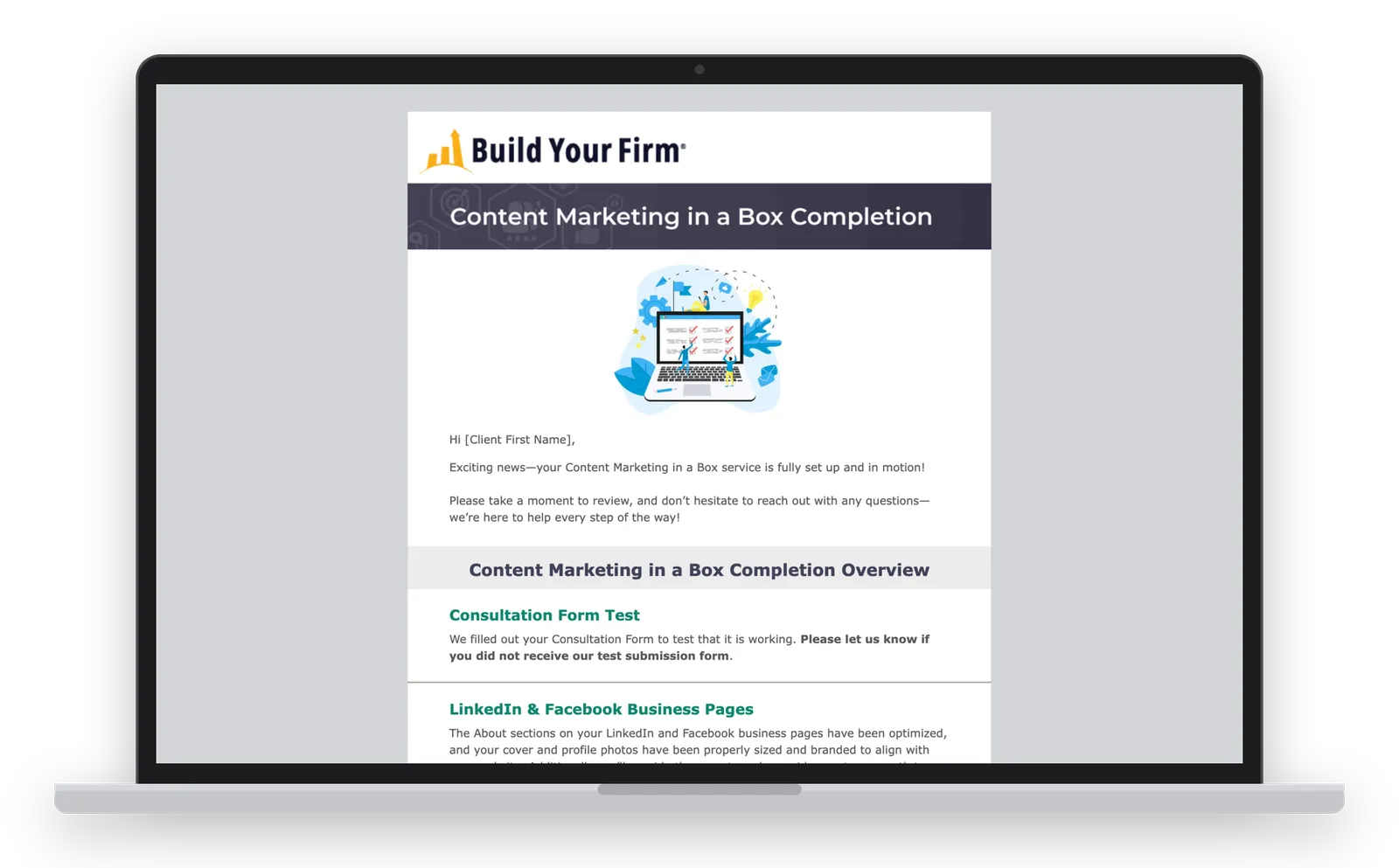
Content Marketing in a Box clients get their own sequence from the same kit: welcome, overview, next steps and completion.
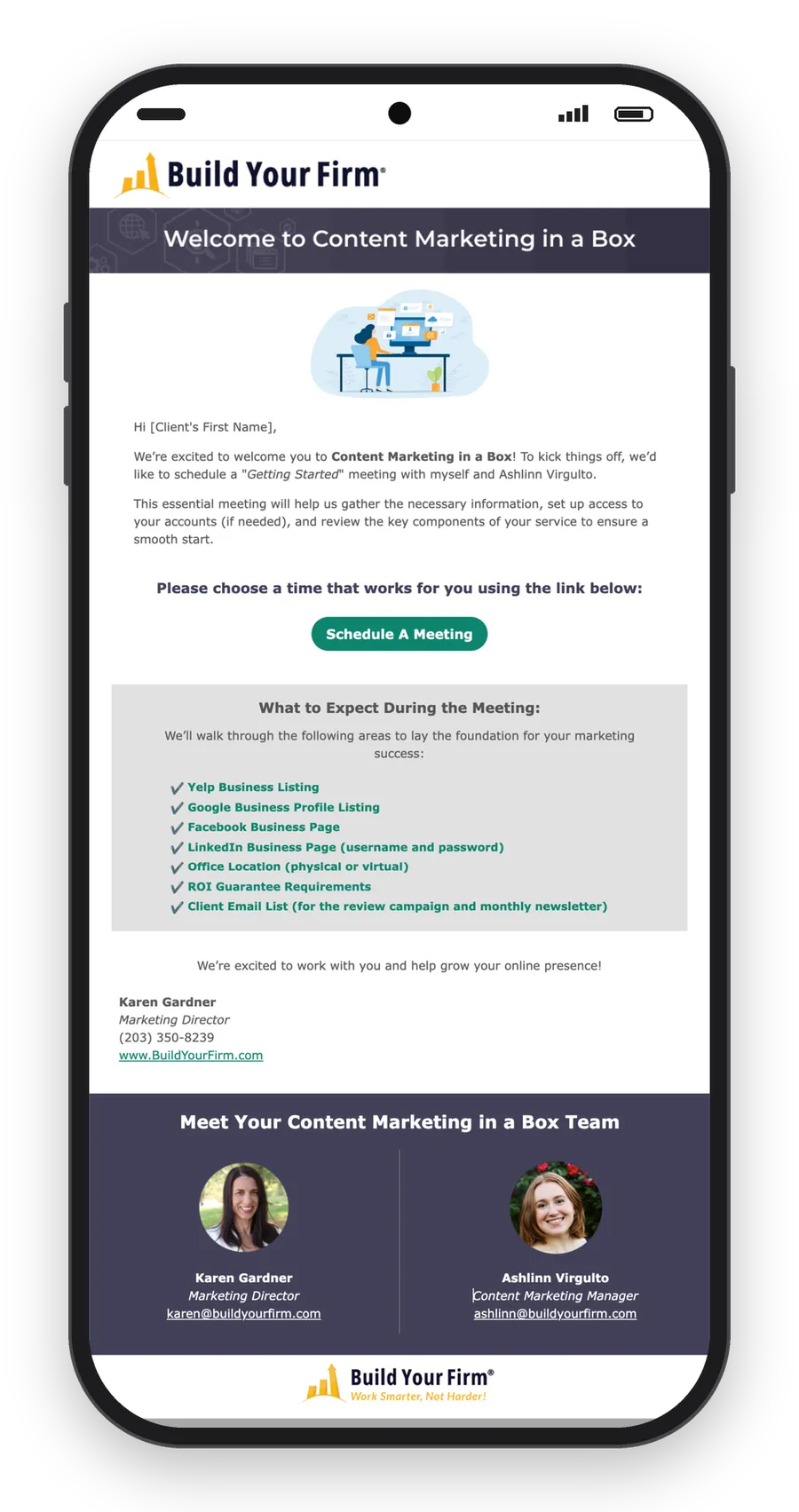
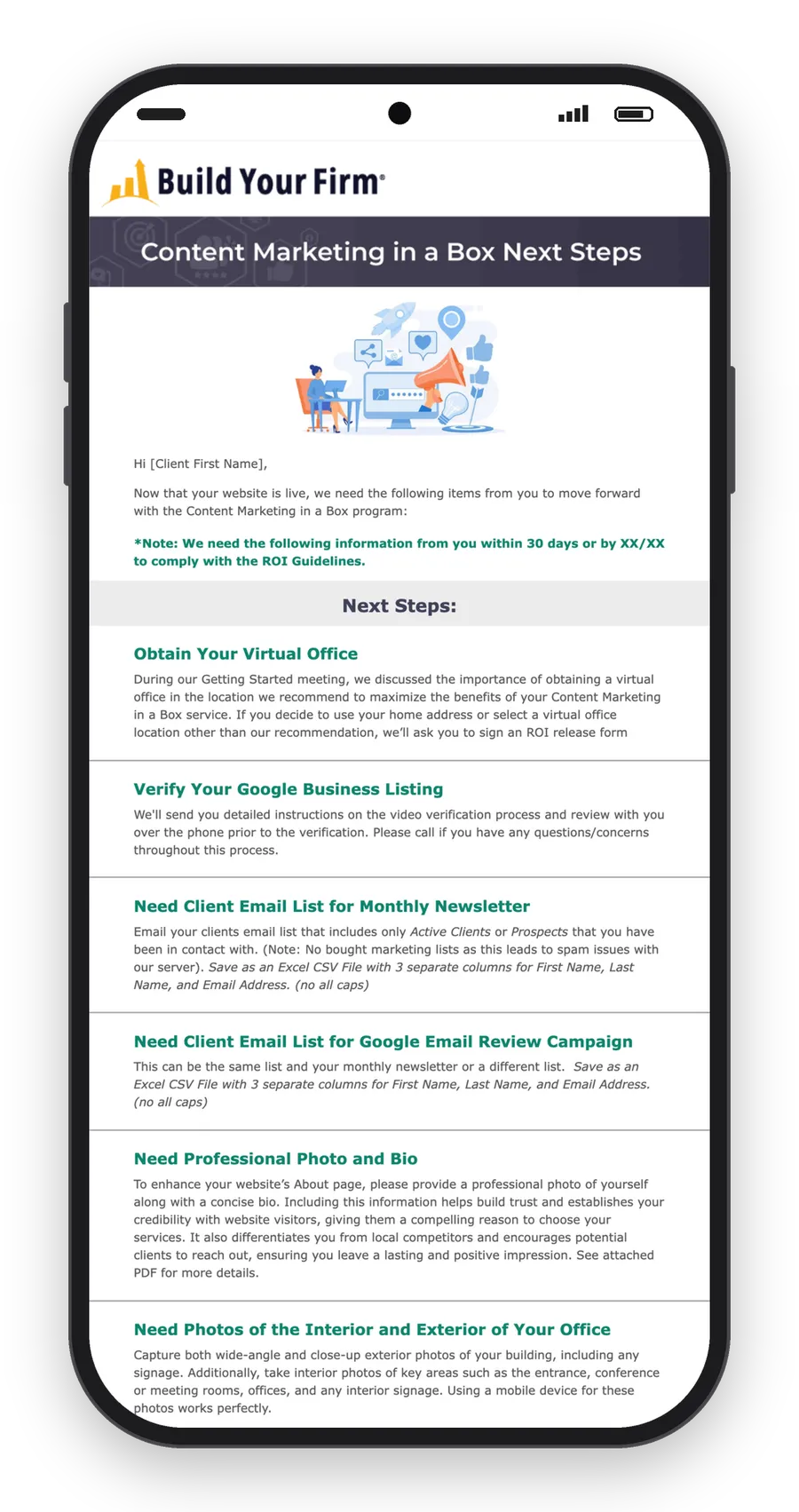
Content Marketing in a Box welcome email on a phone: a scheduling button, a checklist of what to bring, and the team
Content Marketing in a Box · Welcome
Content Marketing in a Box next steps email on a phone: a deadline note and ruled rows for each item the client needs to send
Content Marketing in a Box · Next steps
Content Marketing in a Box completion email on a laptop: a summary of everything set up, in ruled rows
Content Marketing in a Box · Completion

The newsletter

I designed the newsletter format in January 2024 and have built every issue since. It replaced a long letter with an index: one line per article, tabs, then alternating rows, with sales bands between them.

It goes to over 3,000 subscribers. The October 2026 issue had a 15.8% click-to-open rate.
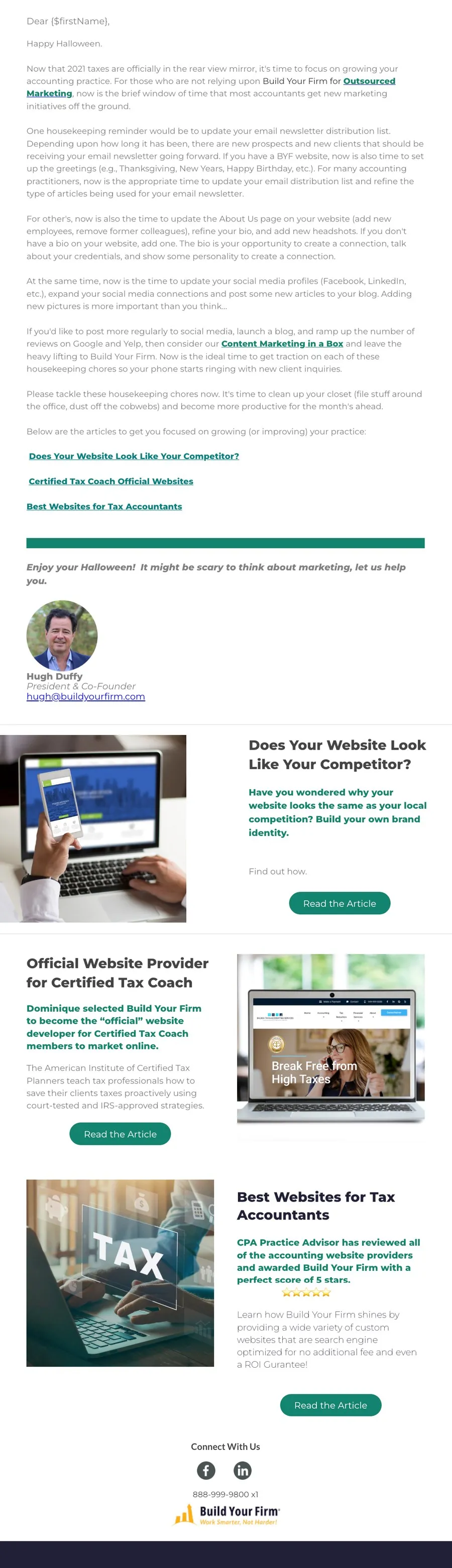
Before · November 2022
The old newsletter: a long letter with article links at the end, a signature, then three article rows
After · October 2026 issue
The new newsletter format: an article index, tabs, alternating article rows and sales bands between them

The series

A five-part campaign for the Outsourced Marketing Program, sent to Content Marketing in a Box clients. One template, five client stories, each one teasing the next. I designed and built it.

Client Growth Series · Stories 1–5